🚀 Lighter.IM Public Beta Testing Guide
Lighter.IM is a decentralized, non-custodial multi-chain (EVM-compatible) on-ramp/off-ramp protocol. Our Public Beta is now live, and we invite the community to help us stress-test the protocol and provide feedback.
✨ Key Features
- Multi-Chain Support: Seamlessly trade across Ethereum, Base, and Horizen.
- NFT-Based Reputation: A decentralized identity and credit system powered by NFTs.
- Native Permit2 Integration: Secure, low-friction token approval mechanisms.
- Intent-Centric Architecture: Off-chain intent matching and rigorous on-chain verification via EIP-712.
- Decentralized Communication: Secure messaging powered by the Nostr protocol.
🛠 Preparation
To simulate a real trade, we recommend using two different browser profiles or browsers (e.g., Chrome and Brave) to act as the Seller and Buyer.
- Browser A (Seller): Use Brave/Firefox with a wallet extension (MetaMask/Rabby).
- Browser B (Buyer): Use Chrome with a separate wallet extension address.
- Faucet Tokens: Ensure both wallets have sufficient testnet gas and assets.
Testnet Faucet Links
| Network | Seller (Assets & Gas) | Buyer (Gas Only) |
|---|---|---|
| Ethereum Sepolia | ETH Gas / USDC | ETH Gas |
| Base Sepolia | ETH Gas / USDC | ETH Gas |
| Horizen Testnet | ETH Gas / USDC* | ETH Gas |
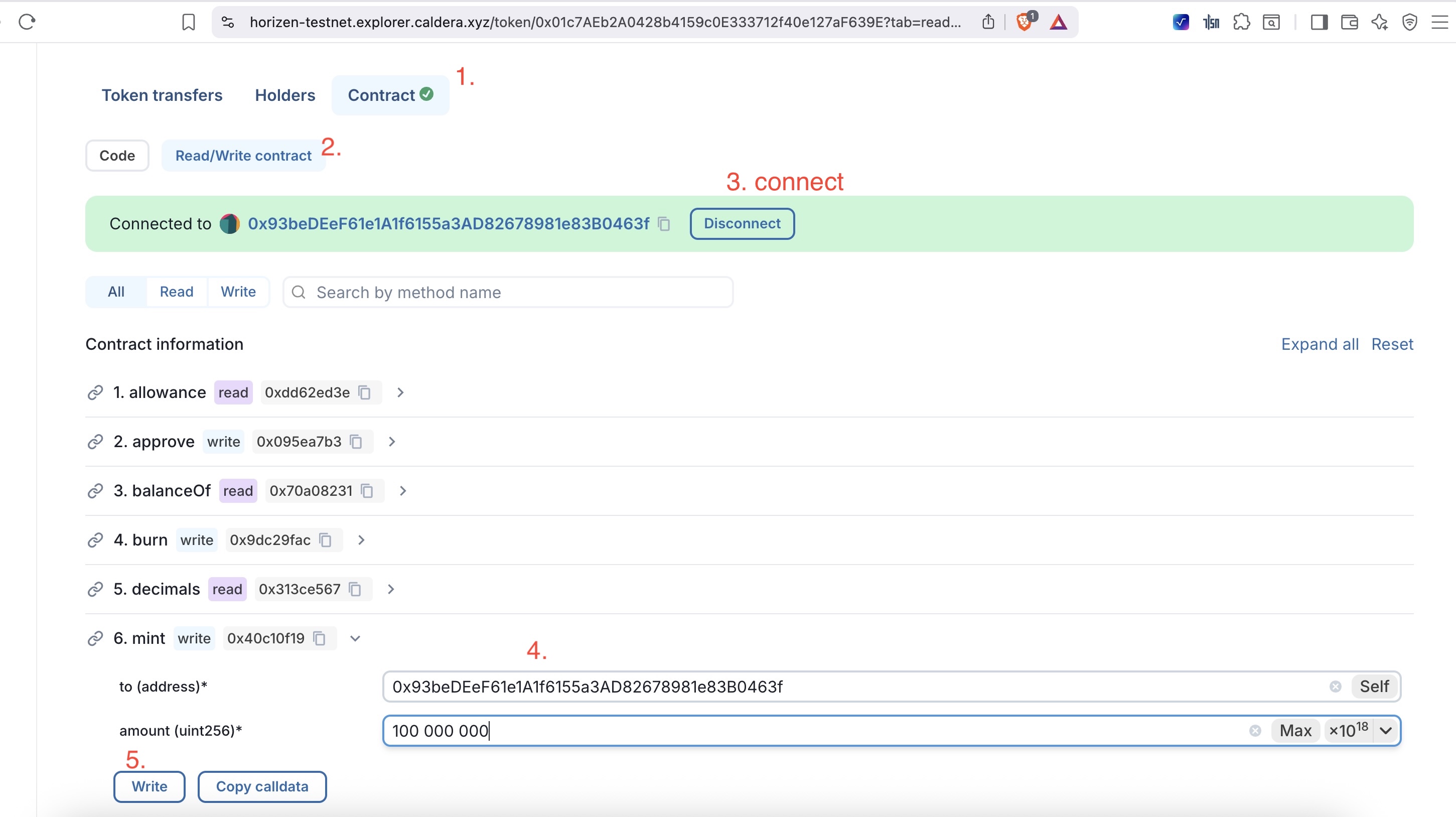
*Note: For Horizen USDC, use the "Write Contract" function on the explorer to mint test tokens.
-
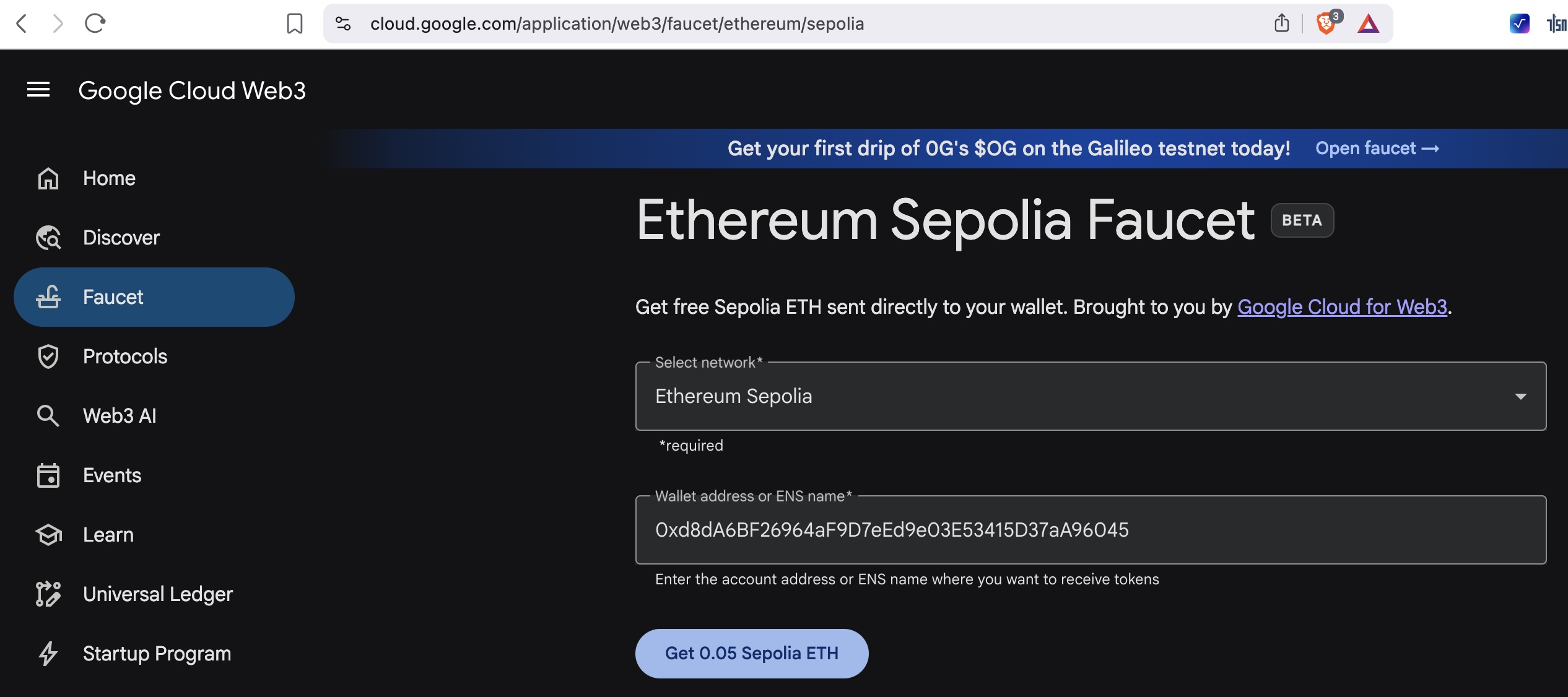
Ethereum Sepolia(ETH gas)
-
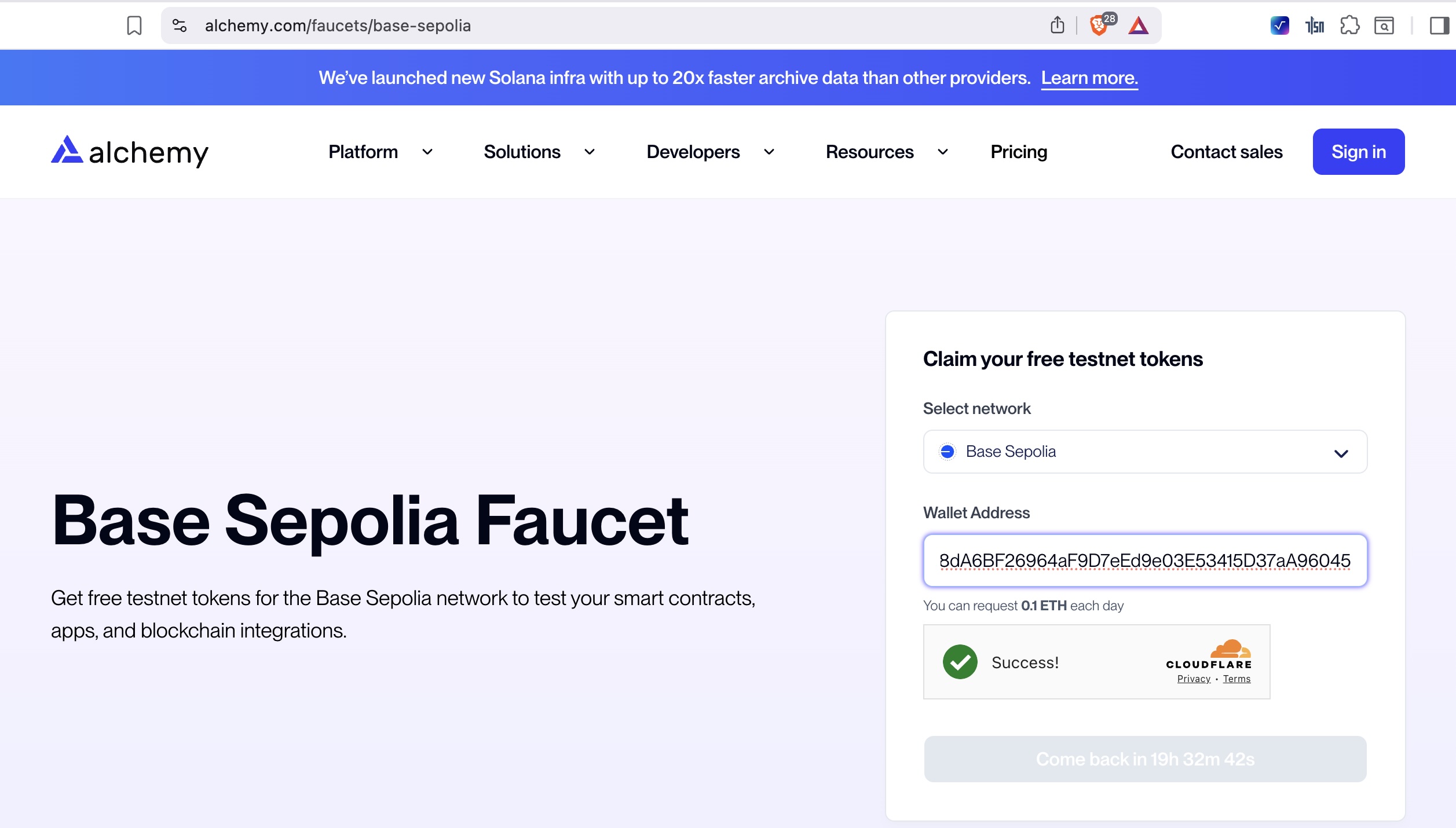
Base Sepolia(ETH gas)
-
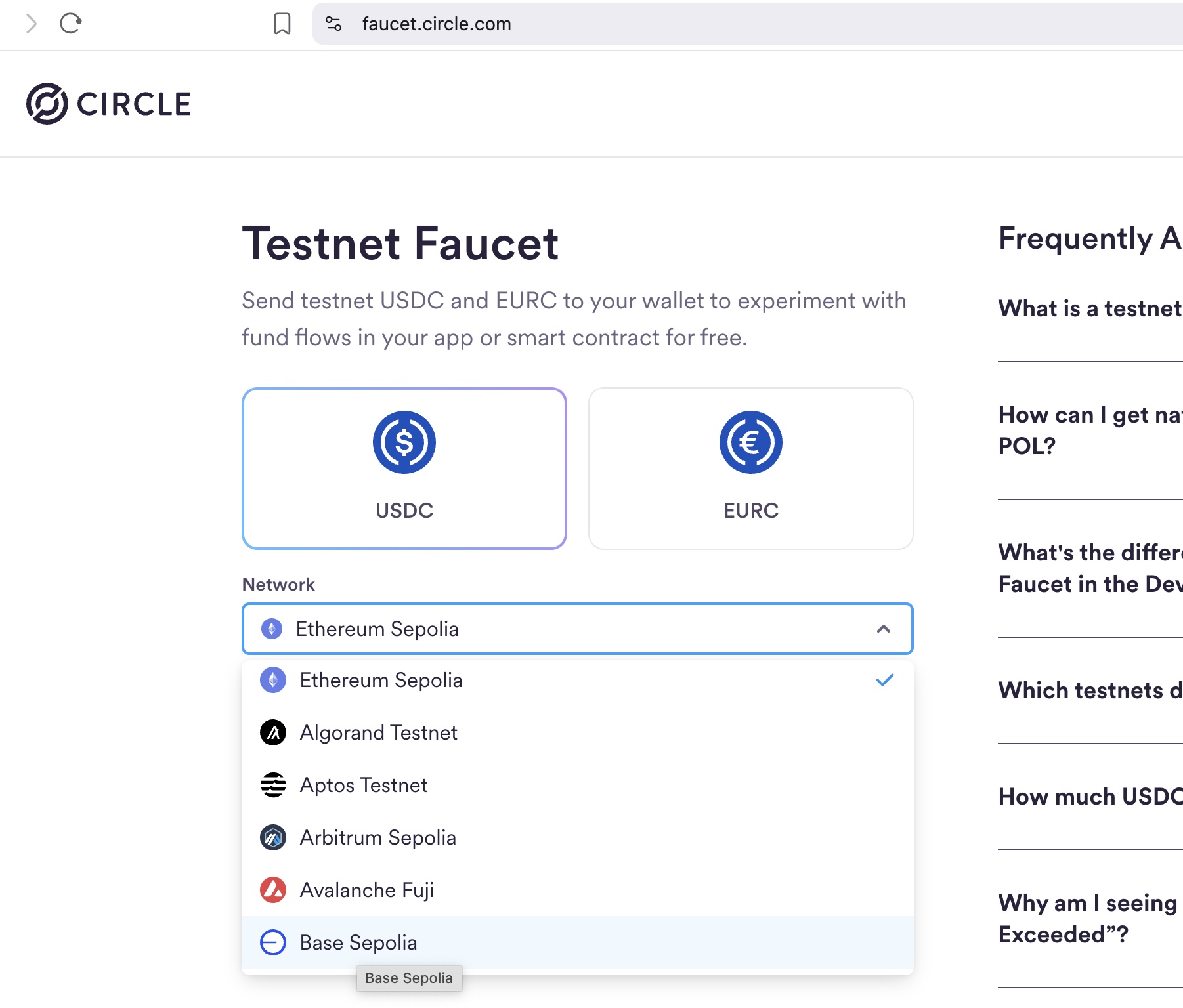
Ethereum/Base Sepolia USDC
-
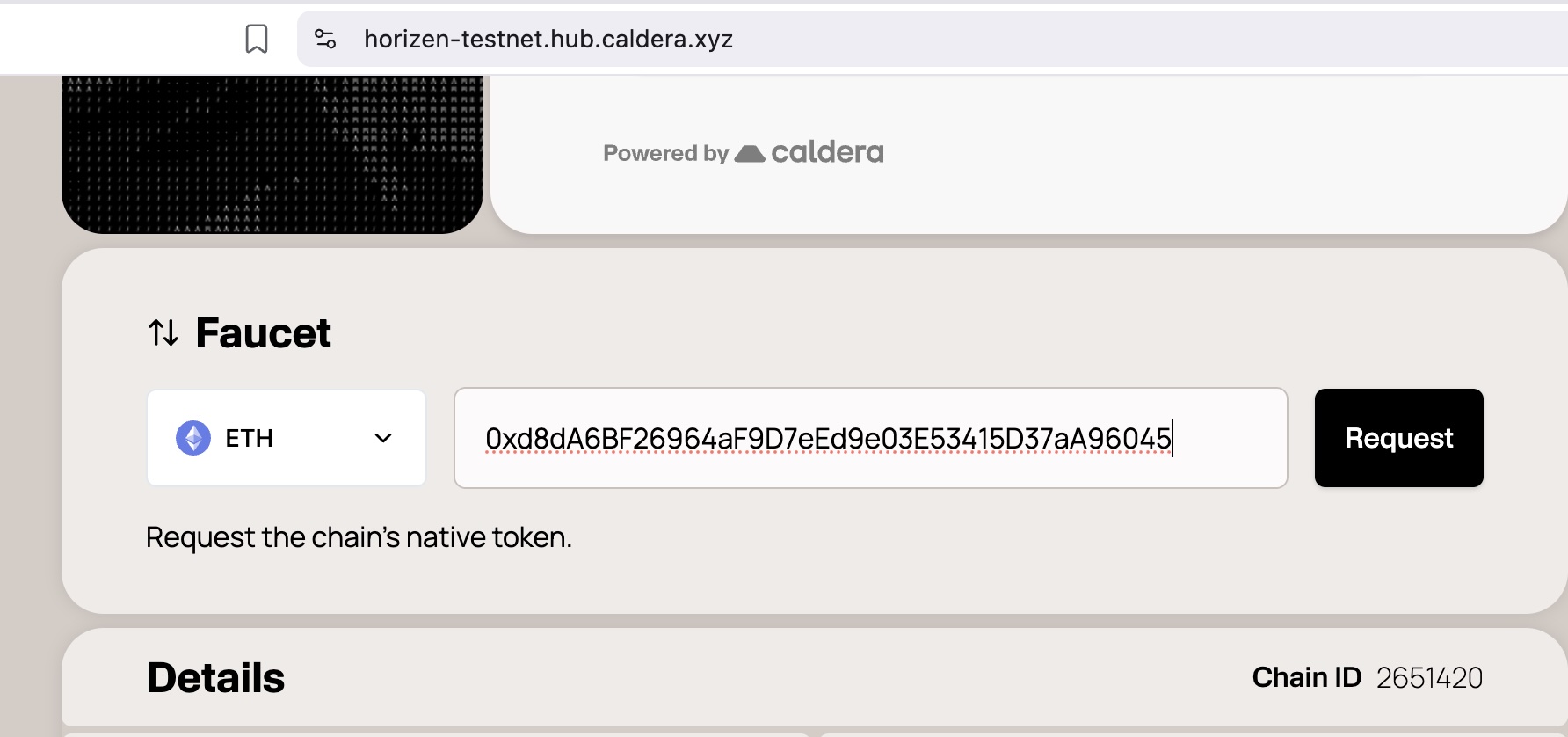
Horizen Testnet(ETH gas)
-
Horize Testnet USDC
🧪 Testing Workflow
Follow these steps to complete a full trade cycle:
- Onboarding: Navigate to beta.lighter.im/landing to create your profile (both Buyer & Seller).
- Identity Minting: Go to beta.lighter.im/profile and Rent/Mint your Membership NFT. This is required to participate in the protocol.
- Create Intent (Seller): Head to beta.lighter.im/intents and click "Post New Intent" to list your assets for sale.
- Accept Intent (Buyer): From the Buyer's browser, find the listing and click "Take".
- Payment (Buyer): In the Trade Dashboard, notify the seller by clicking "Payment Completed" once you have sent the fiat/off-chain payment.
- Release (Seller): Verify the payment receipt and click "Release Funds" to trigger the smart contract escrow.
- Settlement (Buyer): Go to your profile and click "Claim" to withdraw the assets to your wallet.
💡 Pro-Tips & Troubleshooting
- Switching Networks: Ensure your wallet is connected to the correct testnet (e.g., Sepolia or Horizen Testnet) before signing transactions.
- Permit2 Approval: You may be asked to sign two messages: one for the Permit2 approval and one for the actual intent. This is a secure way to manage permissions without extra gas fees.
- Message Delays: Since we use Nostr for decentralized chat, messages might take a few seconds to sync. Please be patient during the "Payment Completed" notification phase.
- Auto Release: Look out for the "Auto Release" feature, which utilizes zkVerify to speed up the transaction once the Zero-Knowledge Proof is validated. We will be opening this feature for public testing in the near future.
🛡️ Security & Privacy
- Testnet Only: Do NOT use your mainnet private keys or send real funds. This is a testing environment.
- Non-Custodial: Remember, Lighter.IM never holds your private keys. Your assets stay in your wallet until the buyer "takes" the intent and moves them to the escrow contract.
💬 Feedback & Community
Your feedback is the most important part of this beta. If you find a bug or have a UI suggestion, let us know!
- Google Form: Google Form
- GitHub Issues: Lighter-EVM-Contract Repo
- Telegram Support: Join the Chat
Happy Testing! Together, we're building the future of decentralized liquidity. 🚀